How to design a roll-up banner for a trade fair: 8 rules that work
A roll-up has a few seconds to stop a passer-by. How to lay out the graphic, choose the copy and prepare the file so your stand is visible from afar.
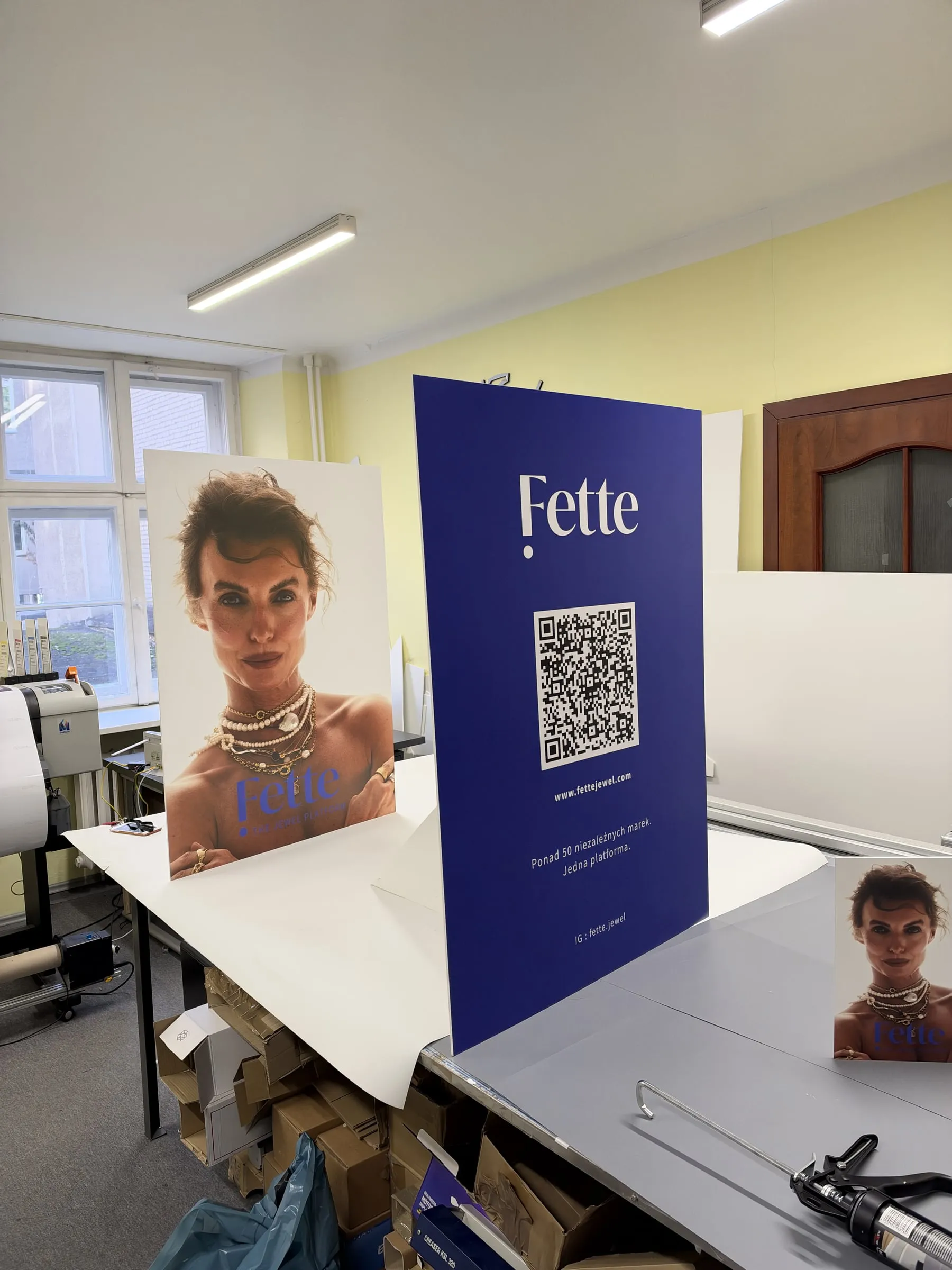
At a trade fair, visitors walk past dozens of stands. A roll-up has literally a few seconds to make someone slow down and look. The good news: you do not need a complicated design for that, just a few rules that the best-looking stands follow.
1. One message, not your whole offer
The most common mistake is trying to fit everything the company does onto the roll-up. Nobody will read it from a few metres away. Choose one main message: a benefit for the client or the thing you want to be remembered for. Leave the rest of your offer for the catalogue and the conversation at the stand.
2. Logo and headline at eye level
A roll-up is usually about 2 metres tall. Put the most important content in the top half, roughly at the eye level of a standing person. Once a table or people stand in front of the roll-up, the bottom part will be hidden anyway.
3. Keep the bottom empty or decorative
The bottom few centimetres of the graphic sit inside the cassette, and the next stretch is often hidden by tables, bags or people at the stand. Do not put text, logos or contact details there. We give the exact size of the hidden zone in the template for each model.
4. Large type and strong contrast
Text should be readable from 3–5 metres. The main headline should be more than ten centimetres tall, and supporting text no less than a few centimetres. Go for clear contrast: dark text on a light background or light on dark. Avoid text placed over a photo with no backing, because under strong hall lighting it becomes illegible.
5. Less is more
White space is not wasted space. It is what lets the headline and logo “breathe” and stand out from a distance. A good roll-up usually has: a logo, a headline, one strong photo or graphic and, at the bottom of the visible zone, a website address or QR code.
6. A QR code instead of a list of details
Instead of listing your phone, email and address, add a QR code that leads to a specific page, such as your trade fair offer or a contact form. Place it at hand height so it is easy to scan with a phone, and check that it works before printing.
7. Consistent with the rest of the stand
If your stand has two roll-ups, a backdrop and a counter, design them together. A shared colour scheme and layout make the stand look professional rather than like a collection of random elements. It is best to print everything in one place, from the same files, so the colours match.
8. A 1:1 file at the right resolution
- The most popular roll-up widths are 85, 100, 120 and 150 cm, at a height of about 200 cm.
- Prepare the artwork at 1:1 scale (or 1:10 if your program cannot handle large formats).
- Photos: 100–150 dpi at 1:1 is plenty.
- Colours in CMYK, fonts converted to outlines, exported to PDF.
You can read more about file preparation in our article How to prepare a print-ready file.
Before you order
Tell us the date of the fair with your enquiry. The quote will include production and delivery dates, and if time is short, express production is available. No design yet? We can create one based on your brief and brand identity.