How to prepare a print-ready file: bleed, CMYK and resolution
A practical checklist: bleed, safe margin, CMYK, resolution, black and fonts. Prepare your print file with no corrections and no delays.
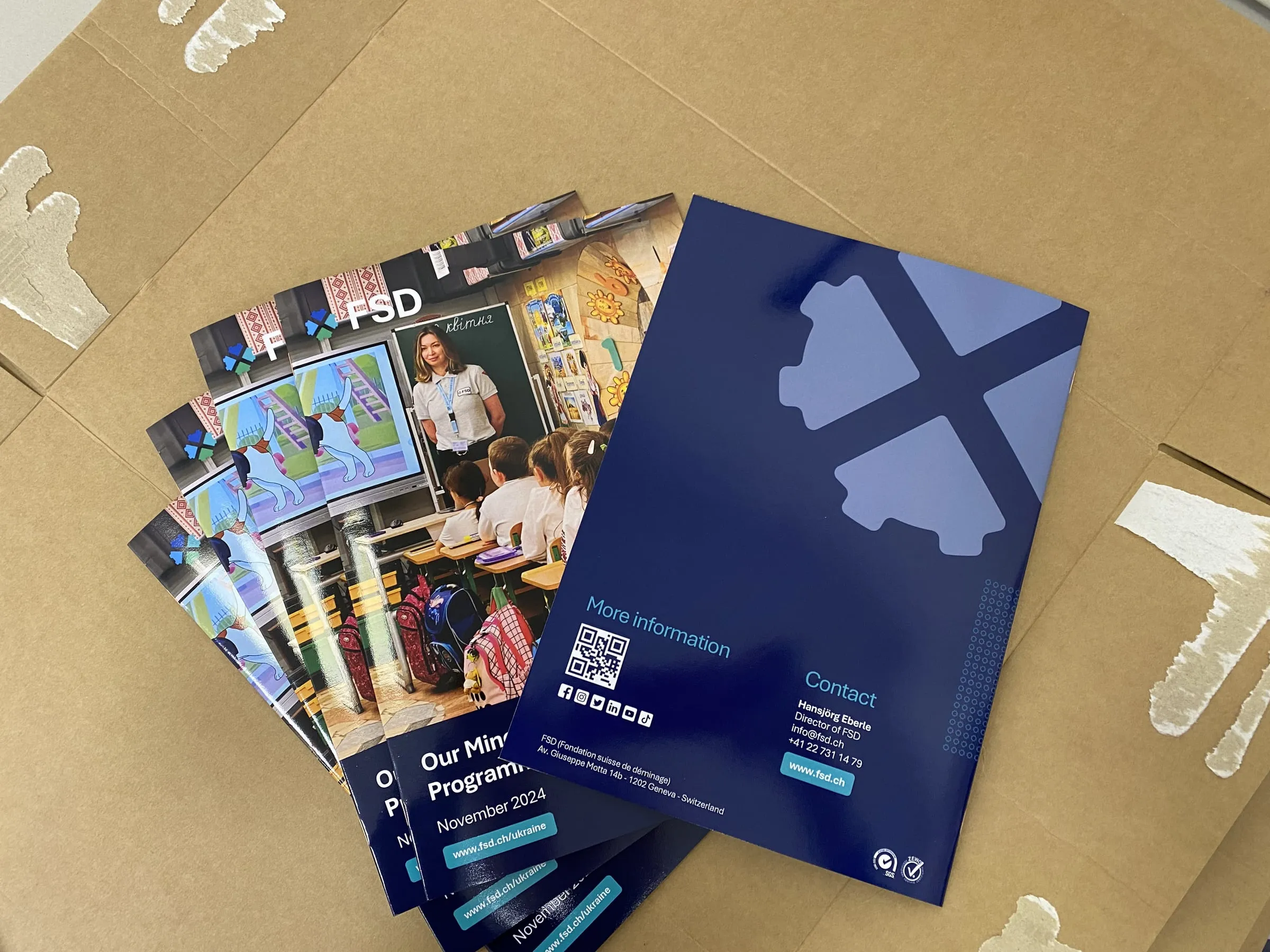
A well-prepared file is the shortest route to a good print. Most delays at a print shop are not caused by the machines but by files that need fixing: missing bleed, a logo in RGB or photos at too low a resolution. Below are the rules we check on every job, in the order in which problems come up most often.
1. Bleed: extra for trimming
Bleed is the part of the design that extends beyond the finished size and is cut off after printing. You need it whenever a background, a photo or a coloured strip runs to the edge. Without bleed, a thin white line can appear along the edge after trimming.
- For flyers, business cards and catalogues, allow 2–3 mm of bleed on every side.
- Example: a 90 × 50 mm business card with 3 mm bleed is a 96 × 56 mm file.
- For large-format print and roll-ups the bleed depends on the product. We give it with the quote or in a template.
2. Safe margin
This is the zone inside the format where important elements should not go: text, logos, page numbers. Trimming has a small tolerance, so content right at the edge may get cut off.
- Keep text and logos at least 3–5 mm from the trim line.
- In saddle-stitched and perfect-bound catalogues, leave a wider margin on the spine side, because part of the page “disappears” into the binding.
3. Colours in CMYK, not RGB
Screens display colour in RGB, while presses print in CMYK. If you send a file in RGB, the colours will be converted and may come out duller, especially bright greens, blues and purples.
- Set up the design in CMYK from the start.
- If your brand has a corporate colour, give us its CMYK values or Pantone number and we will match it as closely as possible.
- Remember that colour on screen will always look a little different from colour on paper. For critical colours, it is worth ordering a proof.
4. Image resolution
Resolution is given in DPI (dots per inch) and measured at 1:1 scale, that is, at the final print size.
- Flyers, catalogues, business cards, stickers: 300 dpi.
- Posters viewed up close: 150–300 dpi.
- Roll-ups, banners and other large formats: 100–150 dpi at 1:1 is usually enough, as they are viewed from a distance.
Note: changing the DPI in a graphics program does not add detail. A photo downloaded from a website and “upscaled” to 300 dpi will still be blurry.
5. Black: text and large areas
A common and not very obvious problem.
- Set text, especially small text, in black from the K channel only (C0 M0 Y0 K100). It will then be sharp, with no coloured fringes.
- A large black background printed in K100 alone looks dark grey. For such areas, use rich black, with the other colours added. If you are not sure which values to use, ask and we will help.
6. Fonts and lines
- Convert fonts to outlines or embed them in the PDF. A missing font is a recipe for shifted text.
- Do not use lines thinner than about 0.25 pt, as they may not print evenly.
- Very small text (below about 6 pt) and light text on a dark background are harder to print, especially on specialty papers.
7. File format
The safest option is a print PDF (for example to the PDF/X standard) with bleed and crop marks. We also accept files from popular design programs, but a PDF preserves layout, fonts and colours best.
For contour-cut stickers, include the cut line as a separate layer (a vector outline, ideally in a spot colour named, for example, “CutContour”).
Checklist before sending
- Bleed of 2–3 mm (or as per the template).
- Text and logos within the safe margin.
- Colours in CMYK.
- Photos at 300 dpi at 1:1 (large formats: 100–150 dpi).
- Black text in K100 only.
- Fonts converted to outlines or embedded.
- Exported to PDF.
Not sure your file is ready? Send it with your quote request. We will check it before printing and tell you what, if anything, needs fixing. And if you do not have a design yet, we can create one for you.